React Shared Components
Interactive testing environment for react-shared components
Current: Default
Banner
Banner component with optional image, title, and back button. Supports multiple layout variants.
Interactive Playground
Customize the Banner properties and see the changes in real-time.
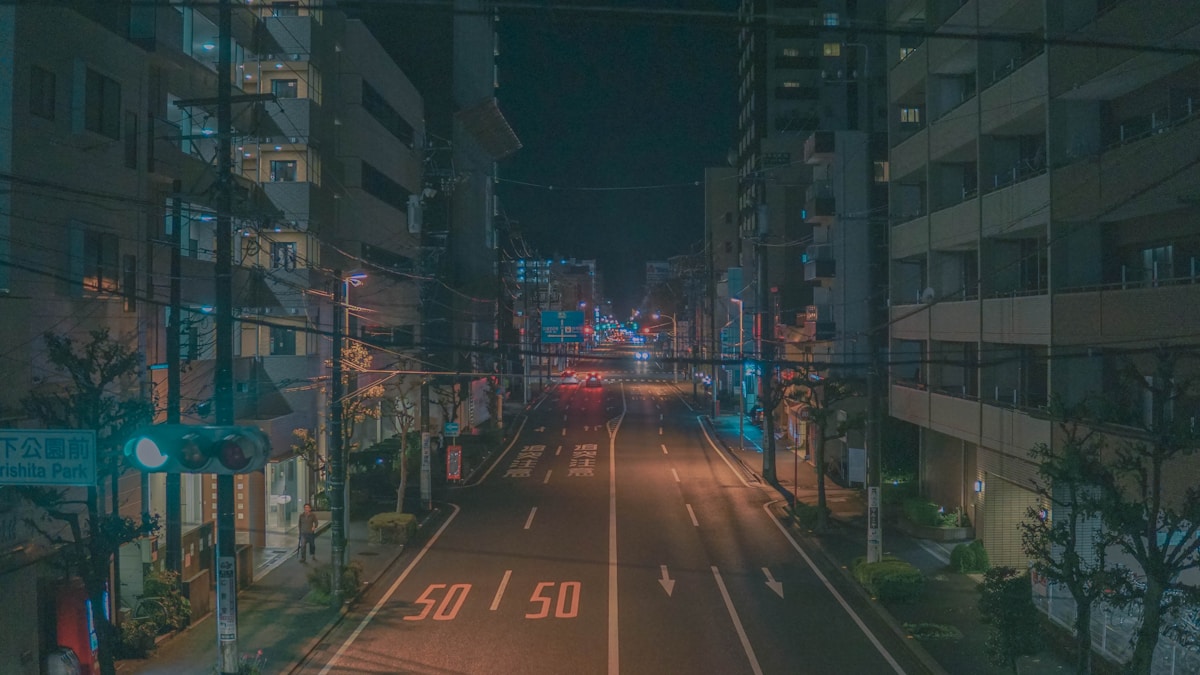
Welcome to My Store
Layout Variants
The Banner component supports 7 different layout variants. Each layout provides a unique visual style.
Default Layout
Welcome to My Store
Brim Layout
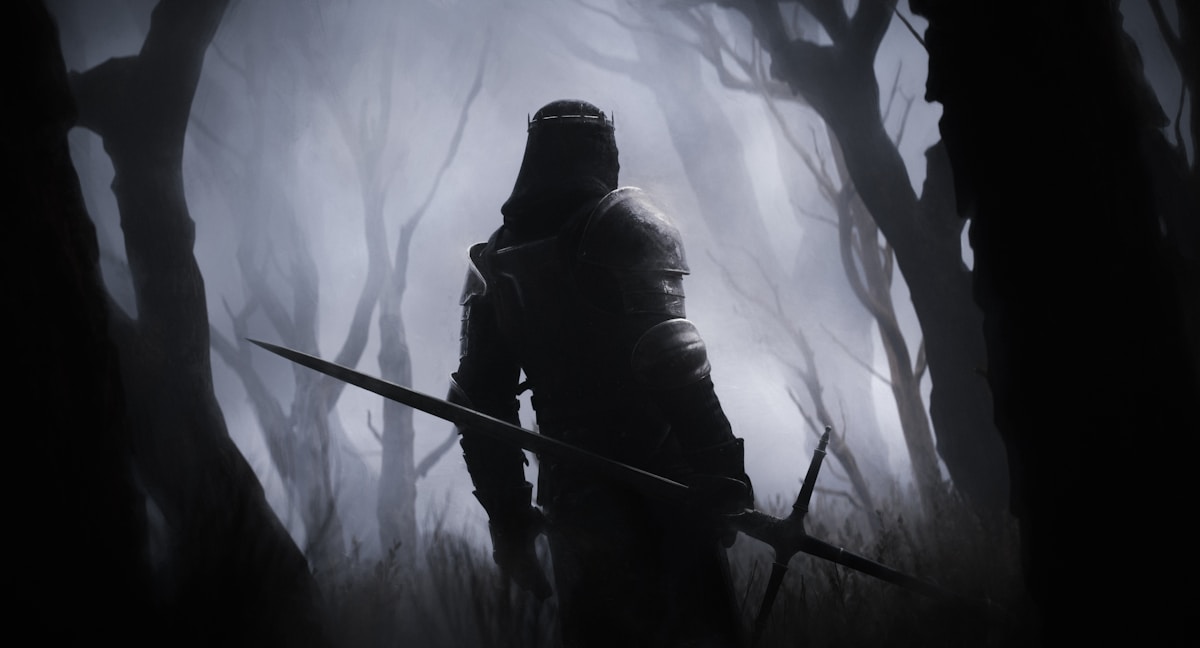
Welcome to My Store
Ode Layout
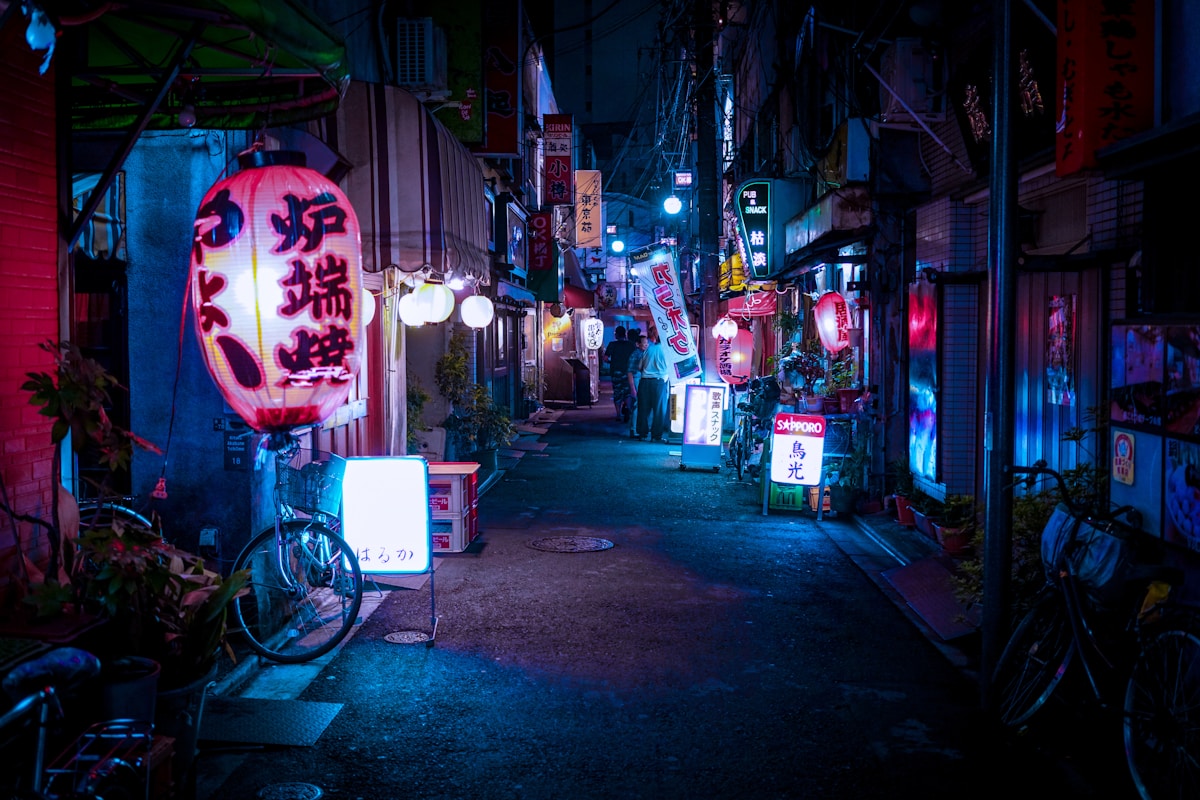
Welcome to My Store
Nova Layout
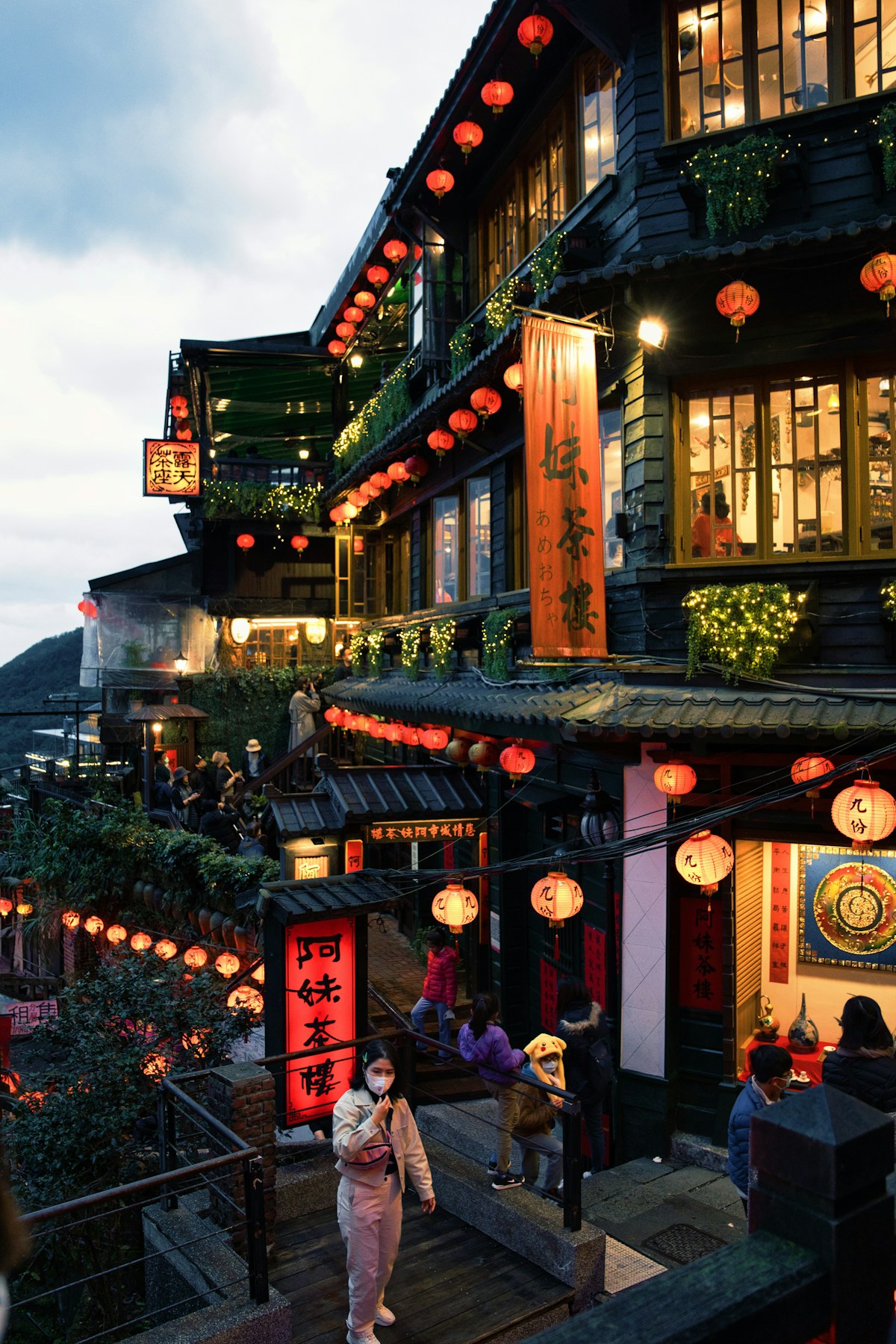
Welcome to My Store
Crest Layout
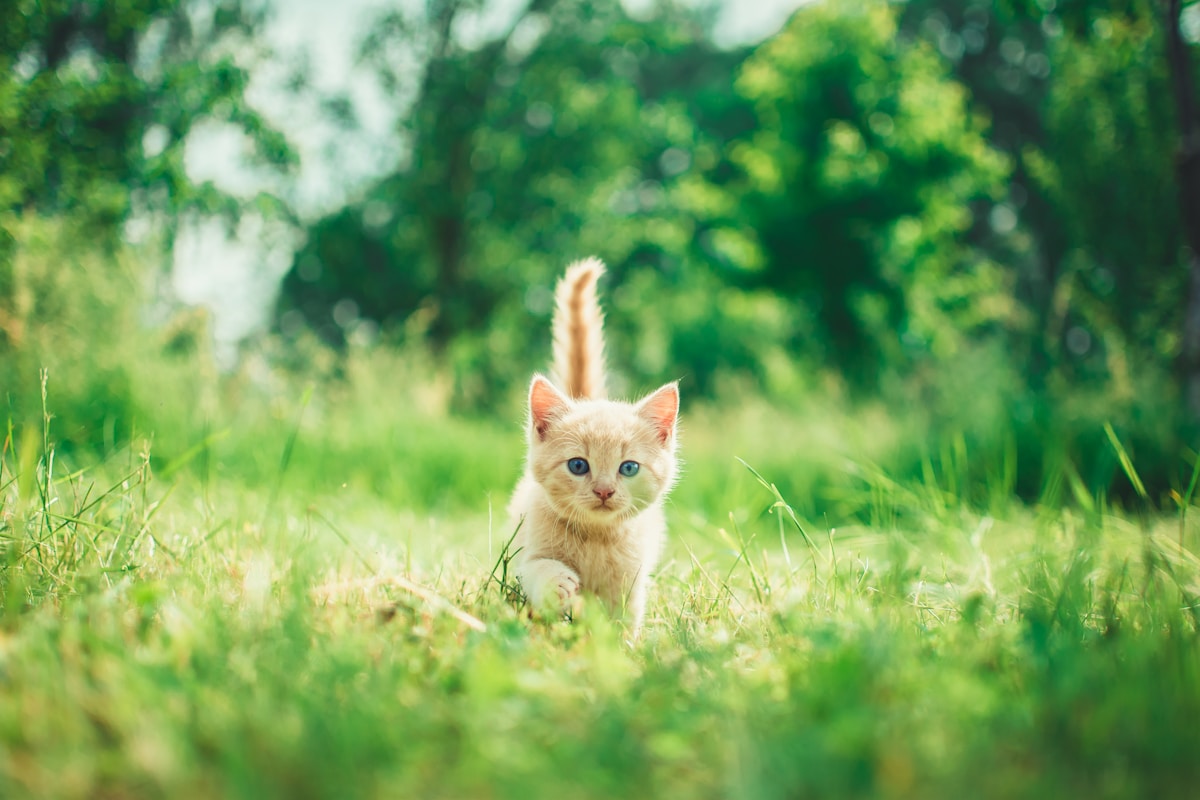
Welcome to My Store
Rung Layout
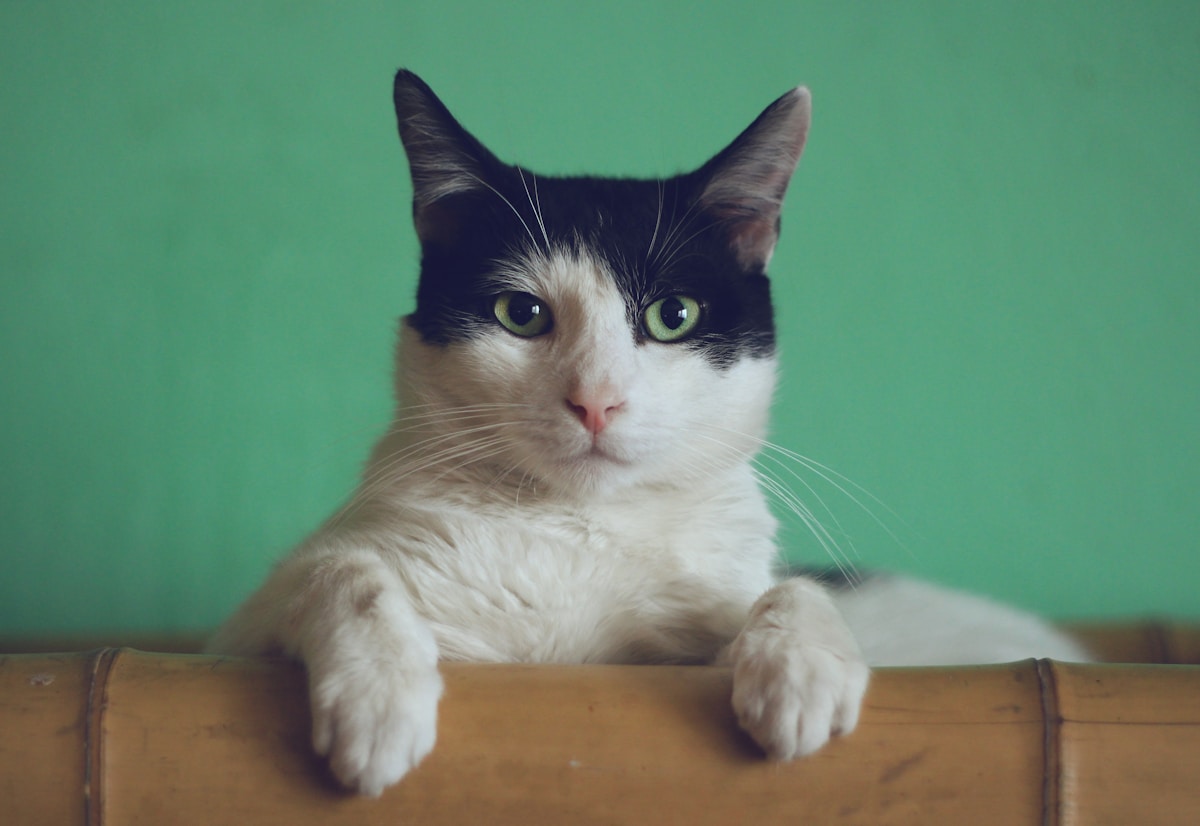
Welcome to My Store
Glint Layout
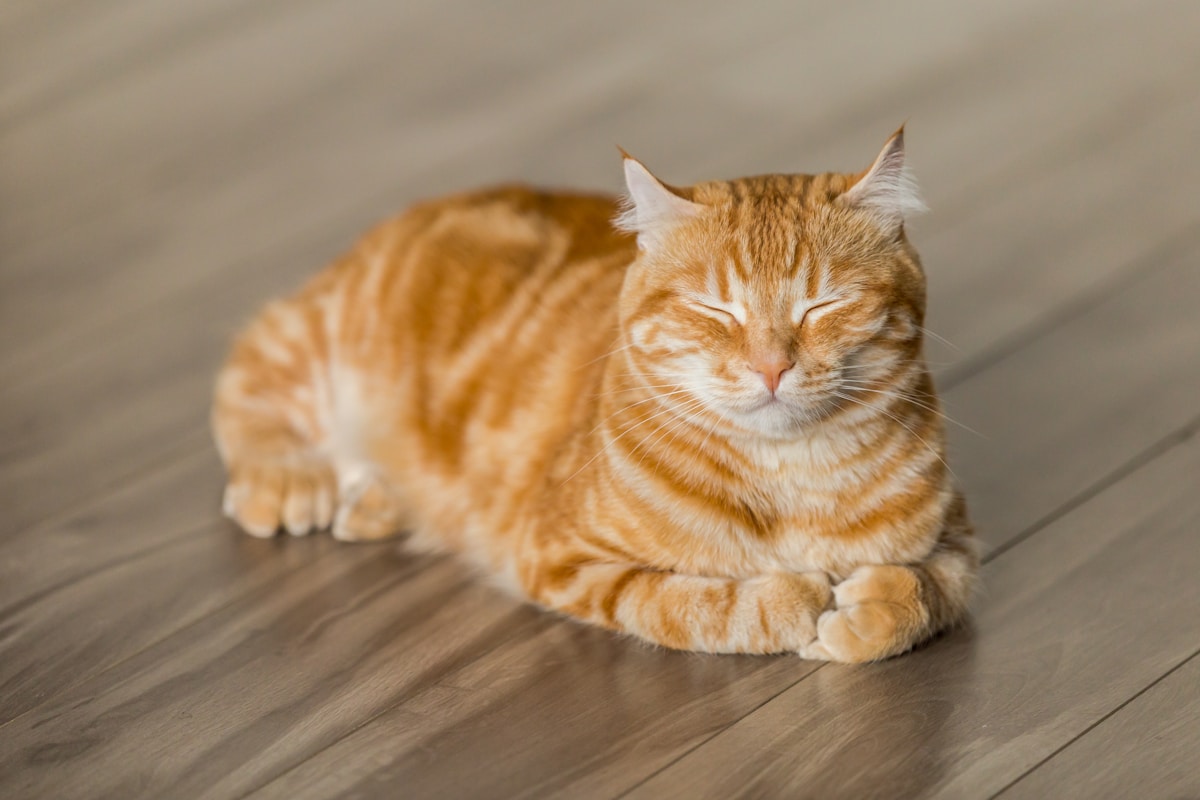
Welcome to My Store
API Reference
| Prop | Type | Default | Description |
|---|---|---|---|
| image | string | '' | URL to banner image |
| title | string | '' | Banner title text |
| backgroundColor | string | 'default' | Background color (currently unused) |
| showBack | boolean | false | Show back button |
| layout | BannerLayout | undefined | Layout variant to use |
| theme | any | undefined | Theme configuration override |
| onBack | () => void | undefined | Back button click handler |
| children | React.ReactNode | undefined | Additional content below banner |
| className | string | undefined | Additional CSS classes |
Usage Notes
Layout Variants
The component supports 7 layouts: default, brim, ode, nova, crest, rung, and glint. Theme-specific layouts (brim, ode, nova, crest, rung, glint) work best with their corresponding themes.
Image Handling
If no image is provided, a placeholder image is used. The image aspect ratio varies by layout (16:9 for default, 4:3 for most others).
Back Button
The back button appears when showBack is true. Its position varies by layout. Make sure to provide an onBack handler when using the back button.
Children Content
You can pass additional content as children, which will be rendered below the banner image and title.